Deep Code is an AI coding assistant extension for Visual Studio Code, specifically optimized for the latest deepseek-v4 model.
Create ~/.deepcode/settings.json with:
{
  "env": {
    "MODEL": "deepseek-v4-pro",
    "BASE_URL": "https://api.deepseek.com",
    "API_KEY": "sk-..."
  },
  "thinkingEnabled": true,
  "reasoningEffort": "max"
}Deep Code supports agent skills that allows you to extend the assistant's capabilities:
- User-level Skills: discovered and activated from
~/.agents/skills/. - Project-level Skills: loaded from
./.agents/skills/for project-specific workflows, with legacy./.deepcode/skills/compatibility.
- Specifically tuned for DeepSeek model performance.
- Reduce costs by using Context Caching.
- Natively supports Thinking Mode and Thinking Effort Control.
deepseek-v4-pro(Recommended)deepseek-v4-flashdeepseek-chat- Any other OpenAI-compatible model

npm install -g @vegamo/deepcode-cli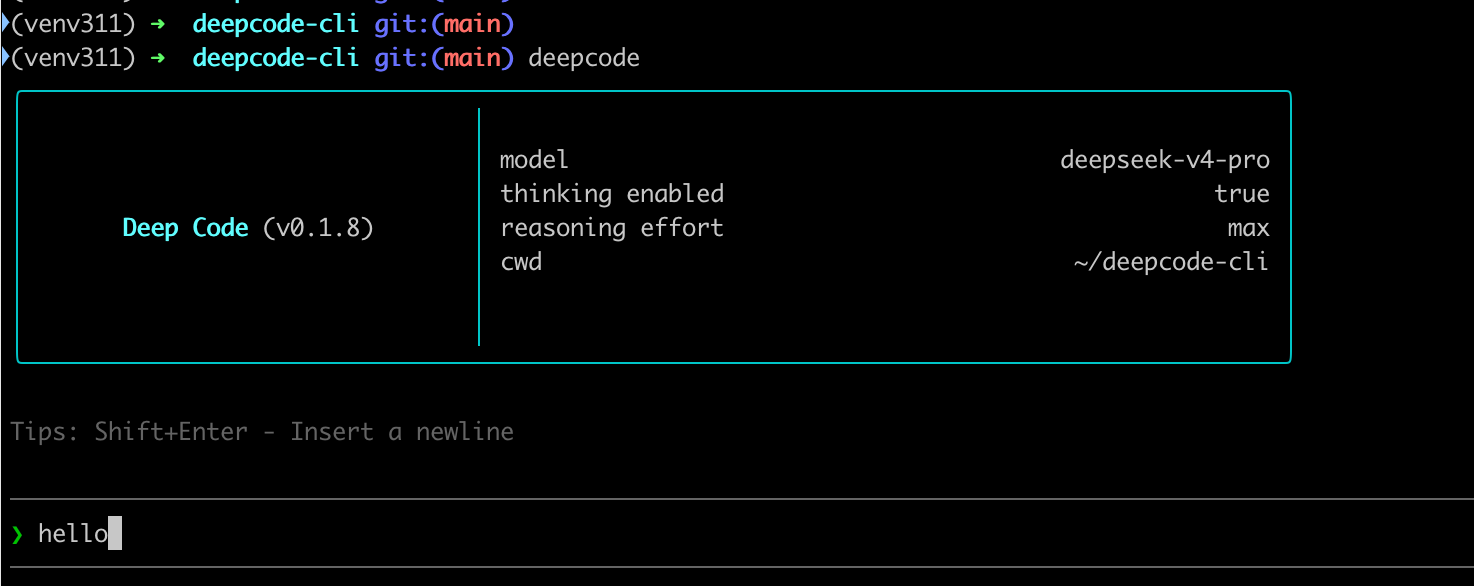
The VSCode plugin and CLI share configuration and data, but they have no dependencies at runtime.

Deep Code supports multimodal, but deepseek-v4 does not support multimodal yet. Some models have multimodal capabilities but impose strict limits on multi-turn dialogue requests. For multimodal input, we recommend using the Volcano Ark Doubao-Seed-2.0-pro model, which has the best integration.
Write a shell notification script that calls a Slack webhook, then set the notify field in ~/.deepcode/settings.json to the full path of the script. For detailed steps, refer to: https://binfer.net/share/jby5xnc-so6g
Yes. Just set env.BASE_URL in ~/.deepcode/settings.json to an OpenAI-compatible API endpoint. Take Volcano Ark's Coding Plan as an example, configure ~/.deepcode/settings.json as follows:
{
  "env": {
    "MODEL": "ark-code-latest",
    "BASE_URL": "https://ark.cn-beijing.volces.com/api/coding/v3",
    "API_KEY": "**************"
  },
  "thinkingEnabled": true
}- Report bugs or request features on GitHub Issues (https://github.com/lessweb/deepcode/issues)